
Pricing & sync
Connect a store
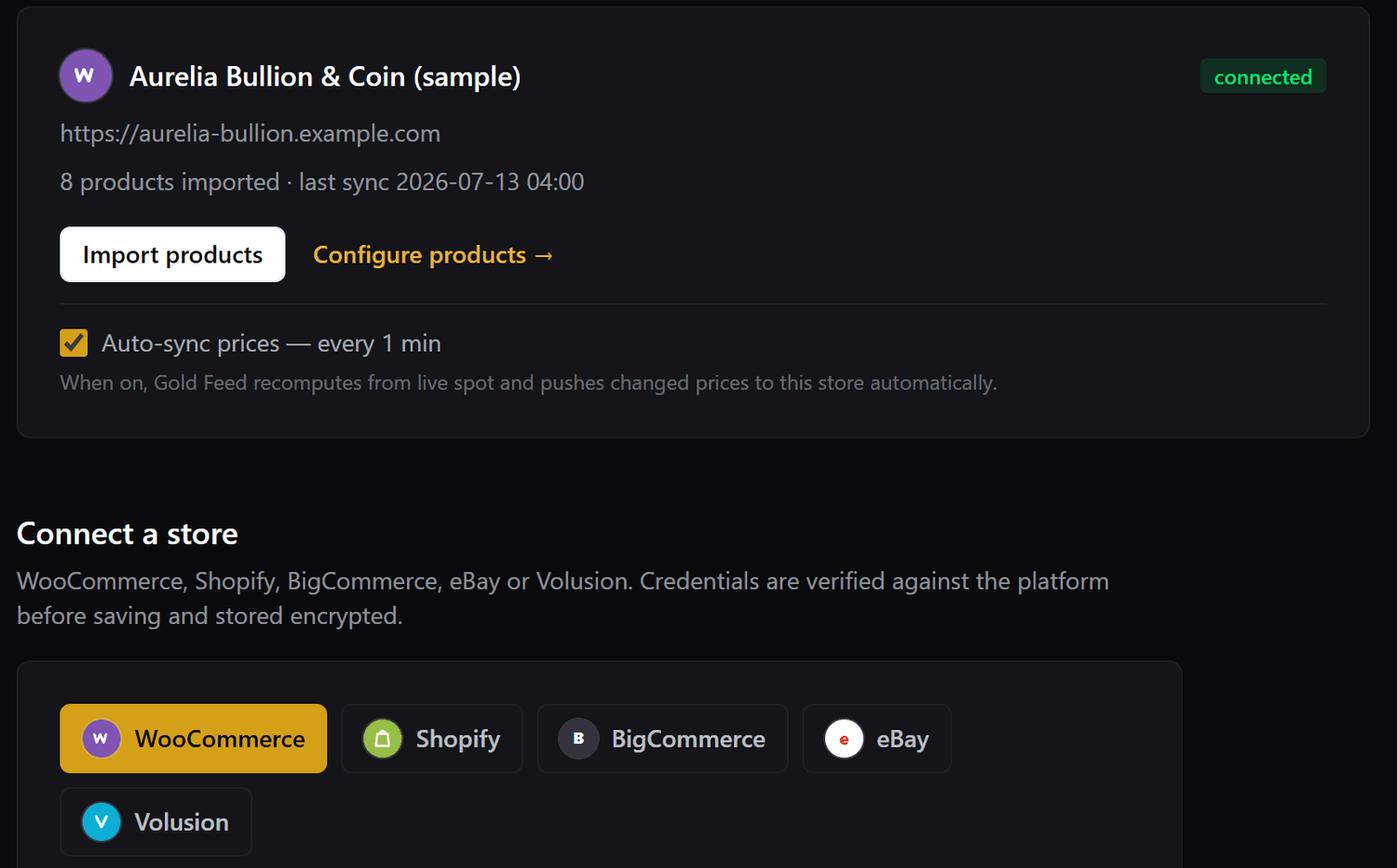
Link WooCommerce, Shopify, BigCommerce, eBay or Volusion.
Go to Stores → Connect a store, pick your platform, and follow the on-screen guide for that platform. Your credentials are verified against the store before saving and are stored encrypted.
Each store gets its own restricted token — your account API keys are never shared with a store.
- Choose the platform and enter the store URL + credentials (the guide shows exactly where to find them).
- Click Import products to pull your catalogue in.
- Configure each product’s weight, purity and (optionally) markup on the Products page.
- Recalculate, review the prices, then push to the store — or leave Auto-sync on to do it automatically.
Still stuck? Open a support ticket.